I recently moved to Spain and had to transfer rent to my landlord a couple of days ago using the CaixaBank app. After I sent it, I felt a bit uneasy. I’m used to instant transfers and notifications, but here, everything seemed silent. When I asked my landlord, they said they hadn’t received it yet. I started to panic, wanting to find out where my money had gone, but I had no idea where to find or how to use the so-called “transaction reference number.” After some research, I finally figured it out and wanted to share what I learned with anyone in the same boat.
What is a Transfer Reference Number?
In Spain, whether you’re making a domestic or an international transfer, the bank generates a unique reference number after processing the transaction. It’s usually called the “Número de Referencia de la Transferencia” or simply “Referencia.” This number is the key to tracking your transfer’s status, similar to a transaction ID. With it, you can check if the transfer has been sent, if it has been received by the recipient’s bank, or if it has been returned for any reason.
Where to Find This Reference Number?
Typically, after you complete a transfer, the bank provides a digital receipt or proof of transfer. The reference number is usually displayed prominently on this receipt. If you made the transfer through a mobile banking app or online banking, you can find the corresponding transaction in your “Transaction History” or “My Operations” section. Clicking on it will show you the detailed information and the receipt.
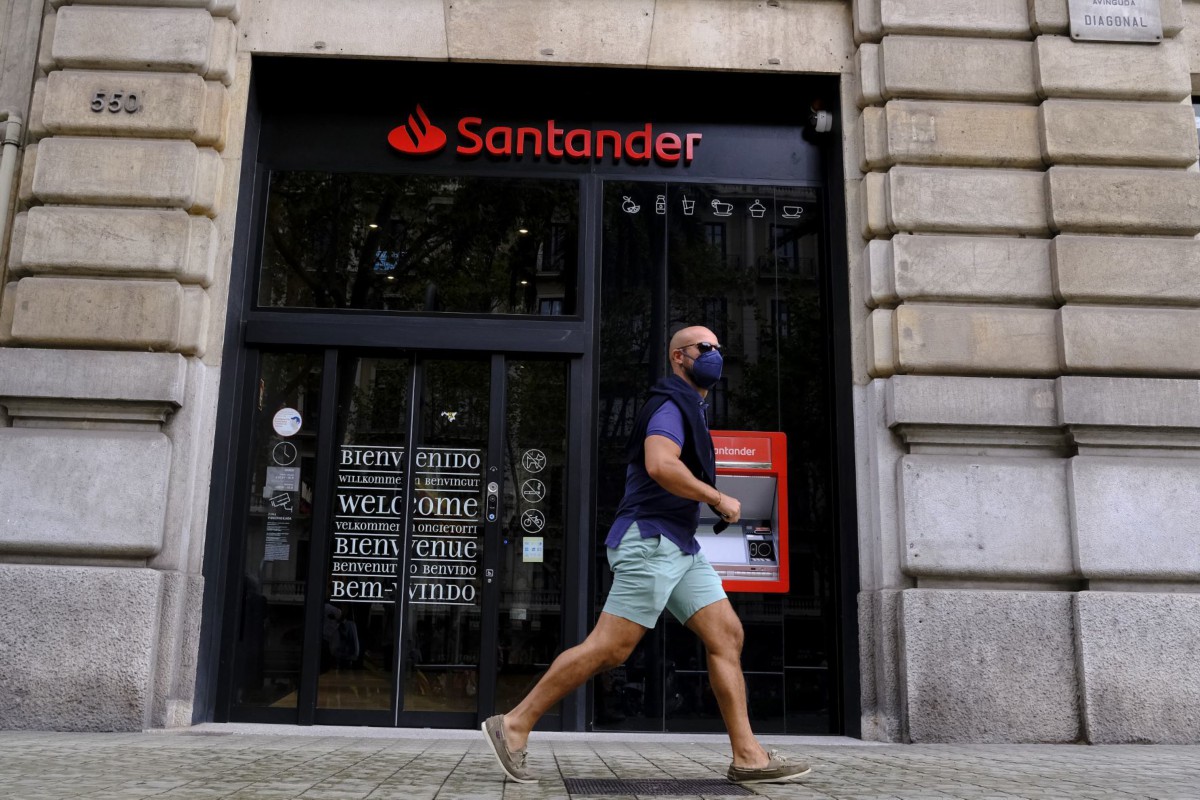
How to Check with Different Banks
While the process is generally similar, each bank’s app and online interface can be slightly different. I’ve summarized the general steps for a few major banks for your reference:
| Bank Name | App/Online Banking Path | Notes |
|---|
| CaixaBank | Accounts -> Transactions -> Click on the specific transfer -> View receipt | The receipt provides the detailed Referencia and status. |
| BBVA | Transactions -> Select the transfer record -> Movement details | You can also search directly in your transaction history. |
| Santander | My products -> Accounts and cards -> Transactions -> Find the record and download the receipt | Santander’s app interface can be a bit complex, so you may need to look carefully. |
| Sabadell | Accounts -> Recent transactions -> Consult receipt | Sabadell’s receipts are generally clear and easy to read. |
Generally, for SEPA transfers within Spain, the funds should arrive in 1-2 business days. If a bank transfer in Spain takes longer than this, you can take the “Número de Referencia” to a bank branch or call customer service. They can use this number to look up specific details, such as which intermediary bank currently holds the funds or the reason for any delay. For international transfers, the process takes longer, typically 3-5 business days, and using the SWIFT code is often more accurate for tracking. I hope this post helps, so you don’t have to worry about your transfers in the future!
