Heatwaves and High Loads: The Dual Causes of Phone Overheating
Many parts of Spain are currently experiencing a sustained heatwave, with temperatures approaching 40°C in some areas. In these conditions, many people find their phones becoming hot to the touch after just a few moments of outdoor use. Phone heating stems from both internal and external sources. The primary external factor is high ambient temperature, such as direct sunlight. Internal factors include high processor load from tasks like playing intensive games, recording high-definition video, using GPS navigation, running multiple background apps, and wireless charging. When hot weather combines with these high-load tasks, a phone is more likely to reach its temperature limit and trigger its overheating protection.
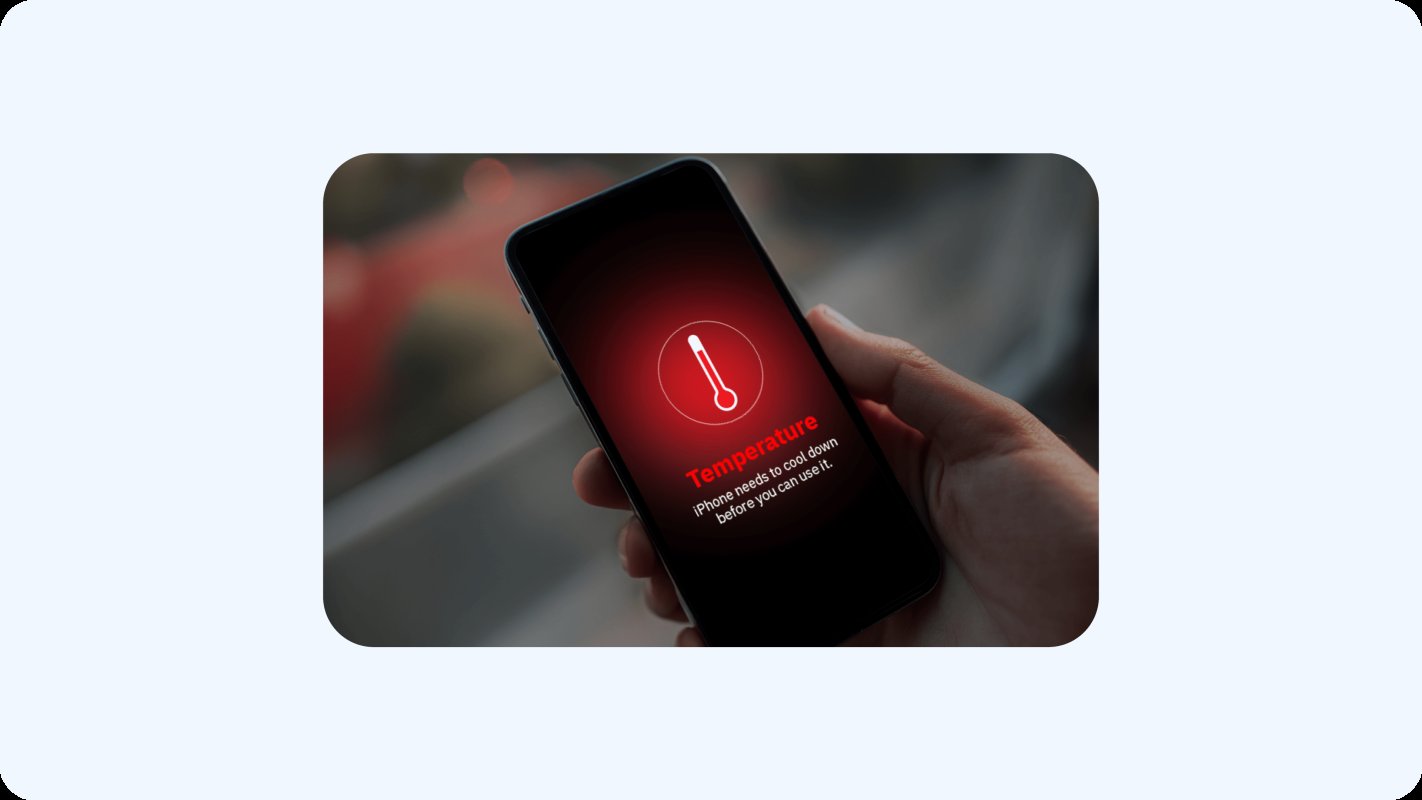
Your Phone’s Self-Defense: The Mechanism Behind Overheating Warnings
When a warning like “Temperature: iPhone needs to cool down” appears on your screen, it’s not a malfunction but your device activating its built-in self-protection. To prevent hardware damage from high temperatures, the system automatically takes several measures, which may include dimming the screen, slowing down the processor, pausing charging, and in extreme cases, temporarily disabling some apps. For example, Apple advises that its iPhone and iPad devices operate best in ambient temperatures between 0°C and 35°C. Using a device in environments hotter than 35°C for extended periods can not only affect its current performance but also cause irreversible damage to the battery, permanently shortening its lifespan. This principle applies to most smartphones on the market.
Safe Cooling: How to Effectively Cool Down Your Phone
If you find your phone is already overheating, take the correct cooling measures immediately. First, stop all power-intensive apps, such as games or video streaming. Second, move the phone out of direct sunlight and into a cool, well-ventilated area. If your phone has a thick or poorly ventilated case, it’s a good idea to remove it to improve air circulation. Additionally, you can manually turn off non-essential background features like 5G (switching to 4G), personal hotspot, Bluetooth, and location services to reduce the processor’s load. The most crucial step is to let the device cool down slowly through natural convection.
Cooling Mistakes: Never Use a Refrigerator or Other Extreme Methods
A common and extremely dangerous mistake is to put a phone in the refrigerator, freezer, or in direct contact with an ice pack for a quick cool-down. The drastic temperature change causes water vapor in the air inside the phone to condense into tiny water droplets. This moisture can seep into the motherboard, screen, or other sensitive electronic components, leading to short circuits, malfunctions, or even permanent damage. Likewise, the battery can also be damaged by sudden temperature shifts. Therefore, the safest and most reliable method is always to let the phone cool down naturally.
